

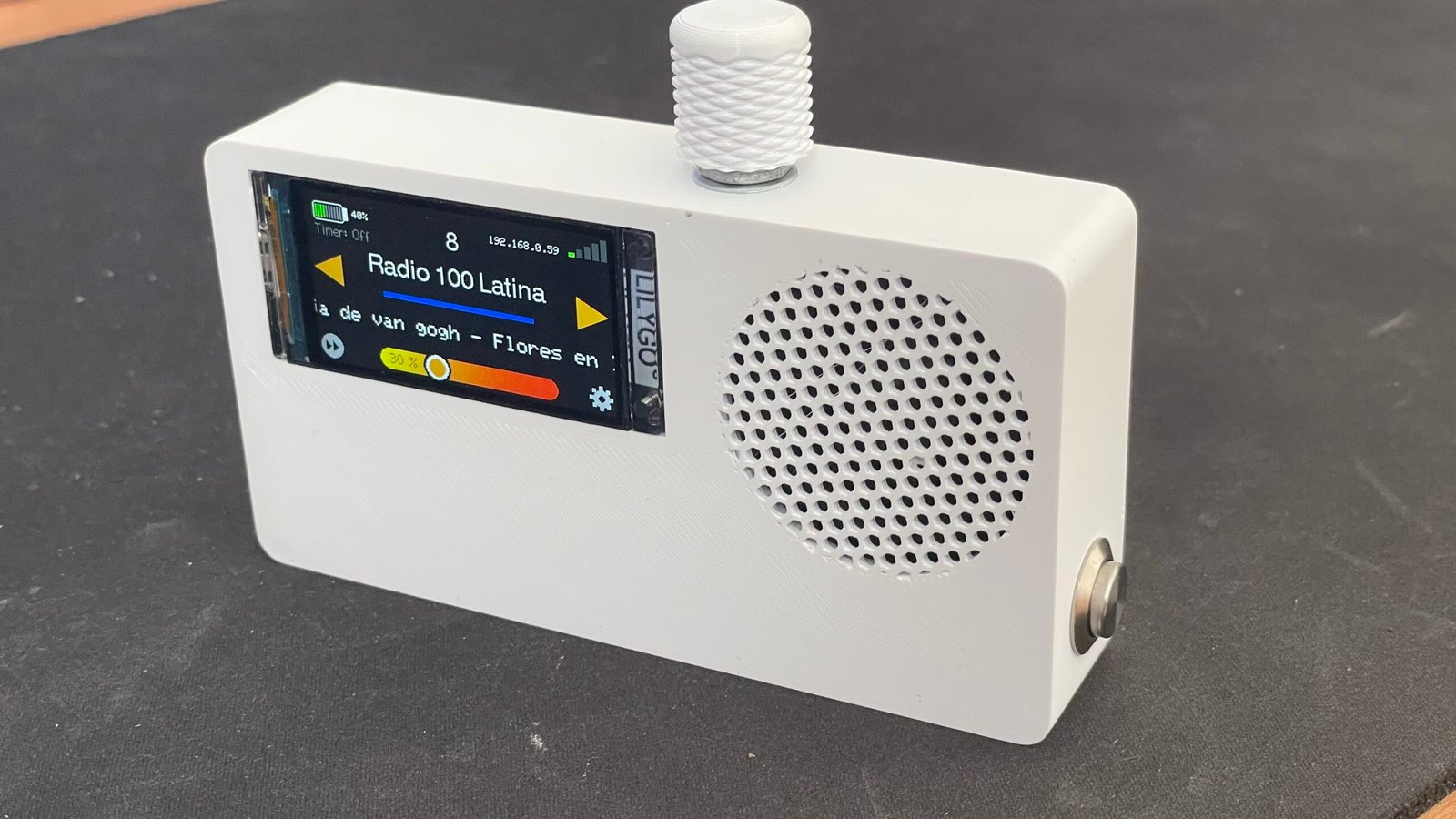
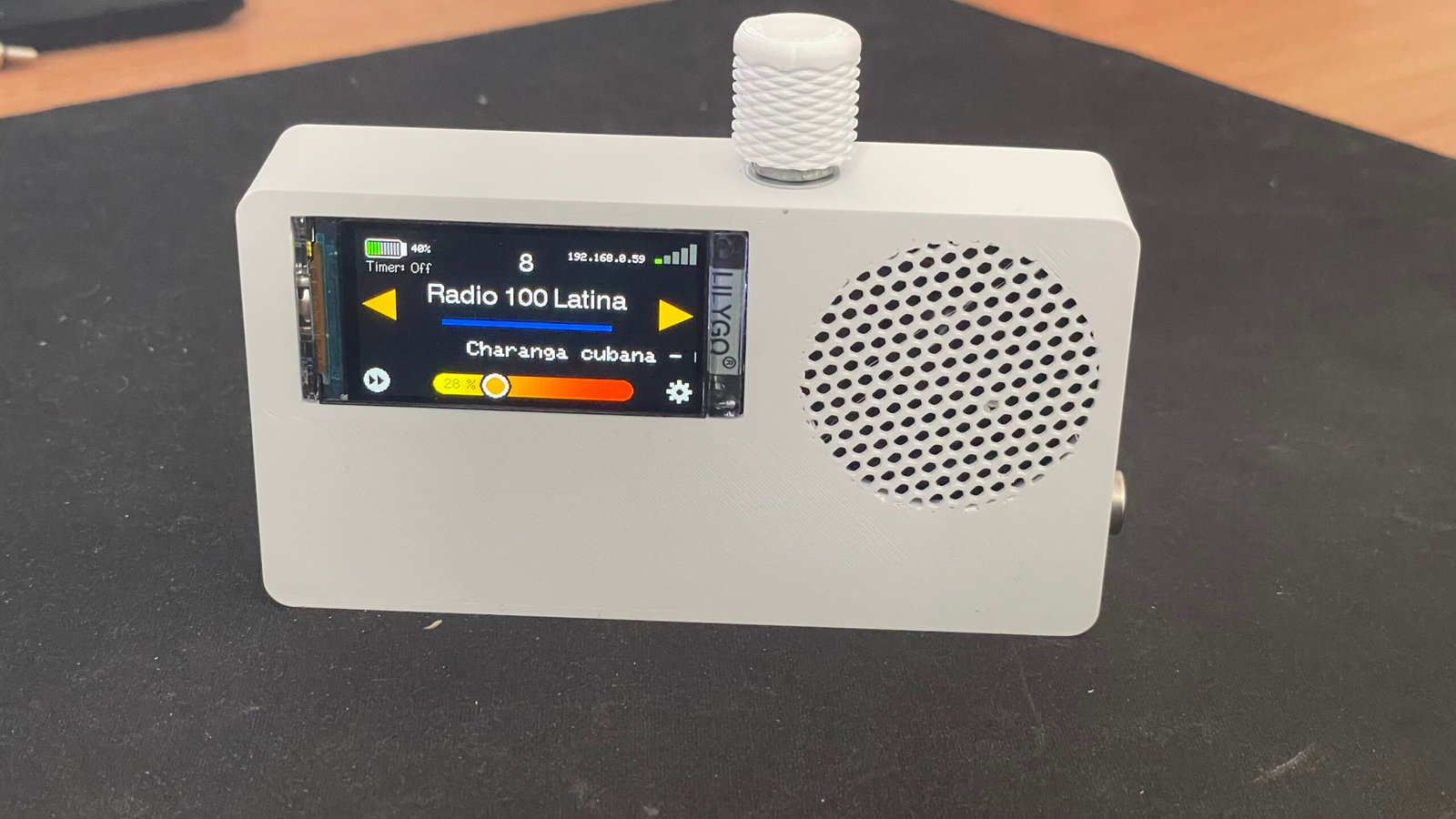
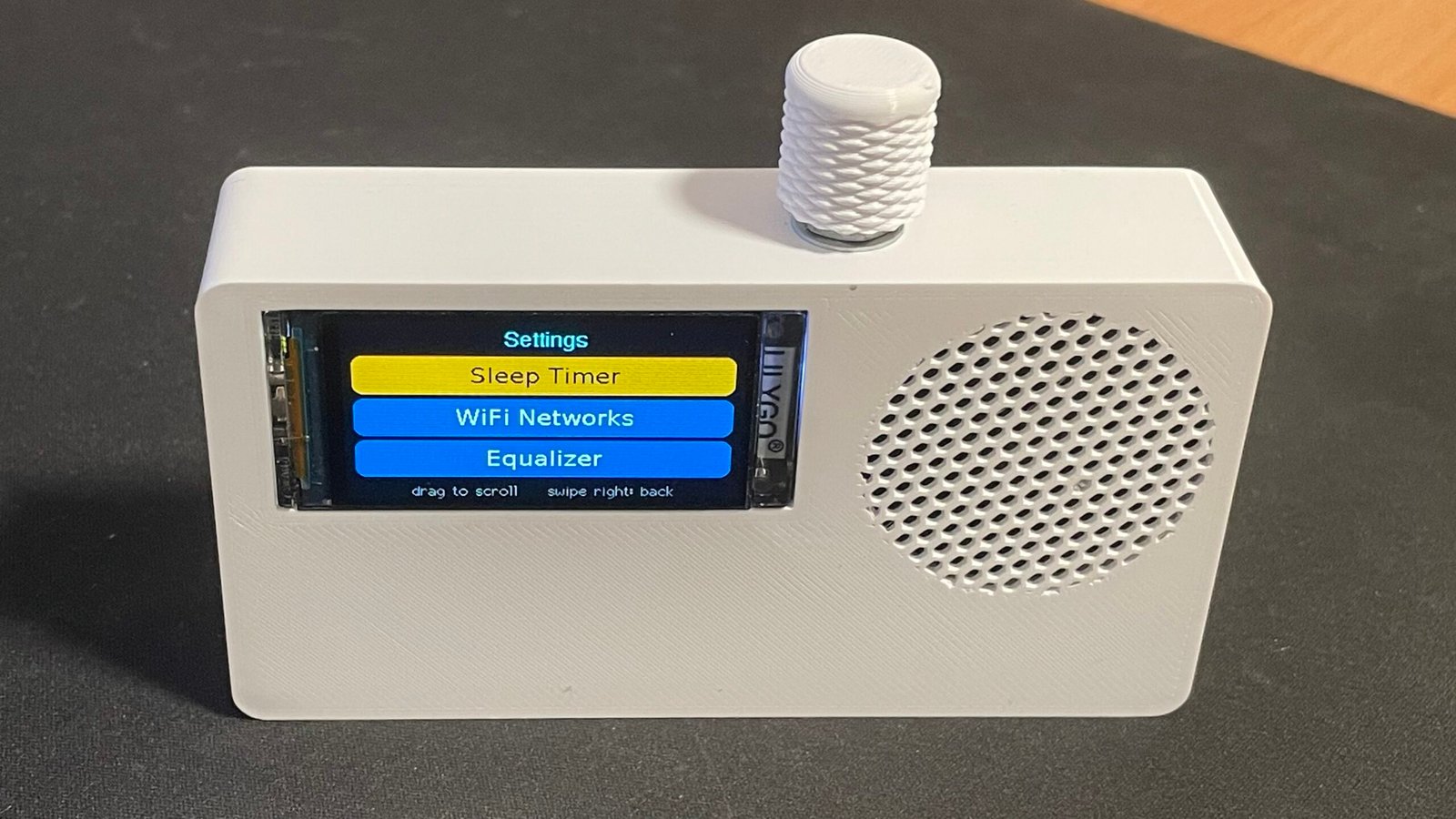
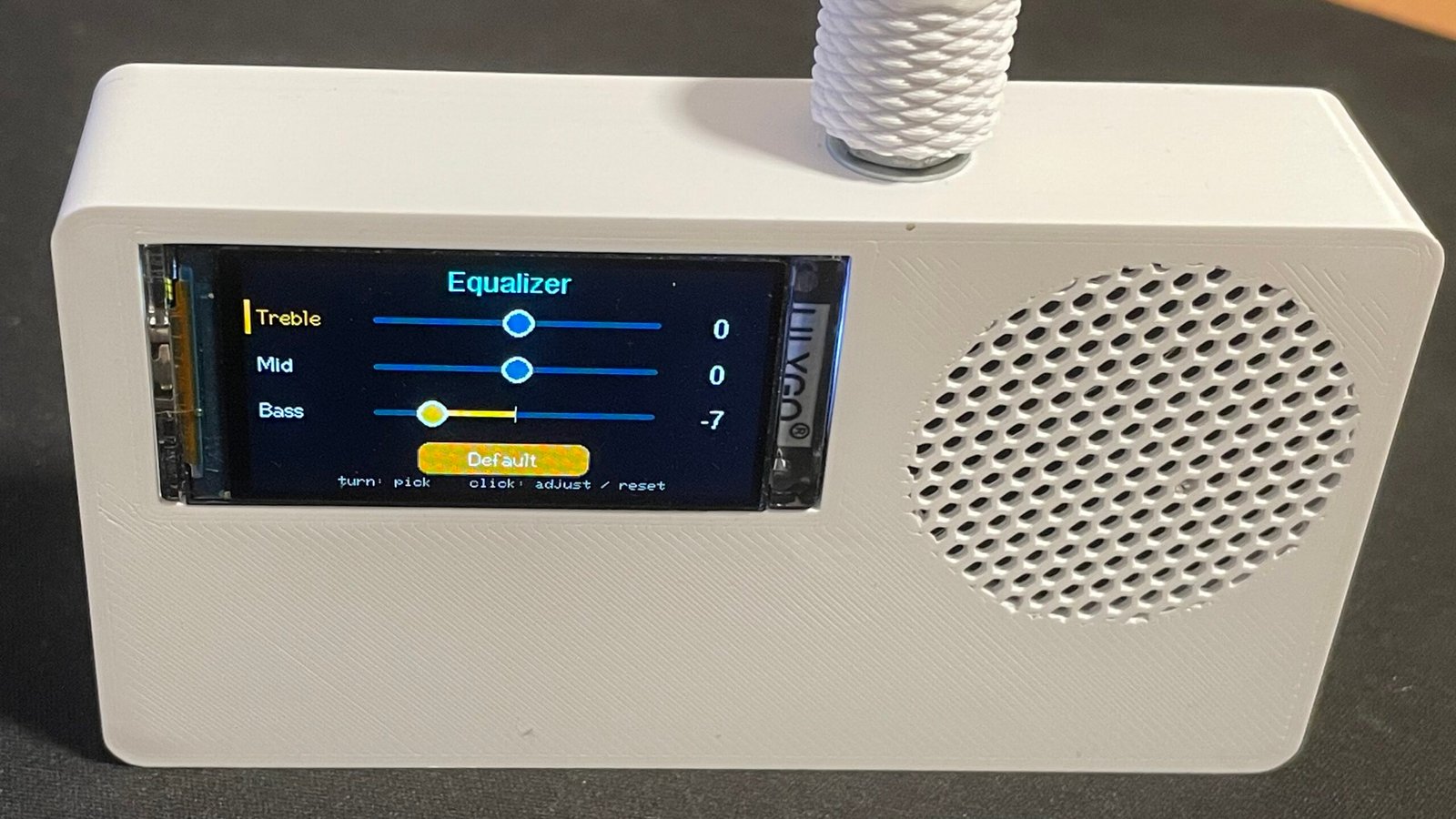
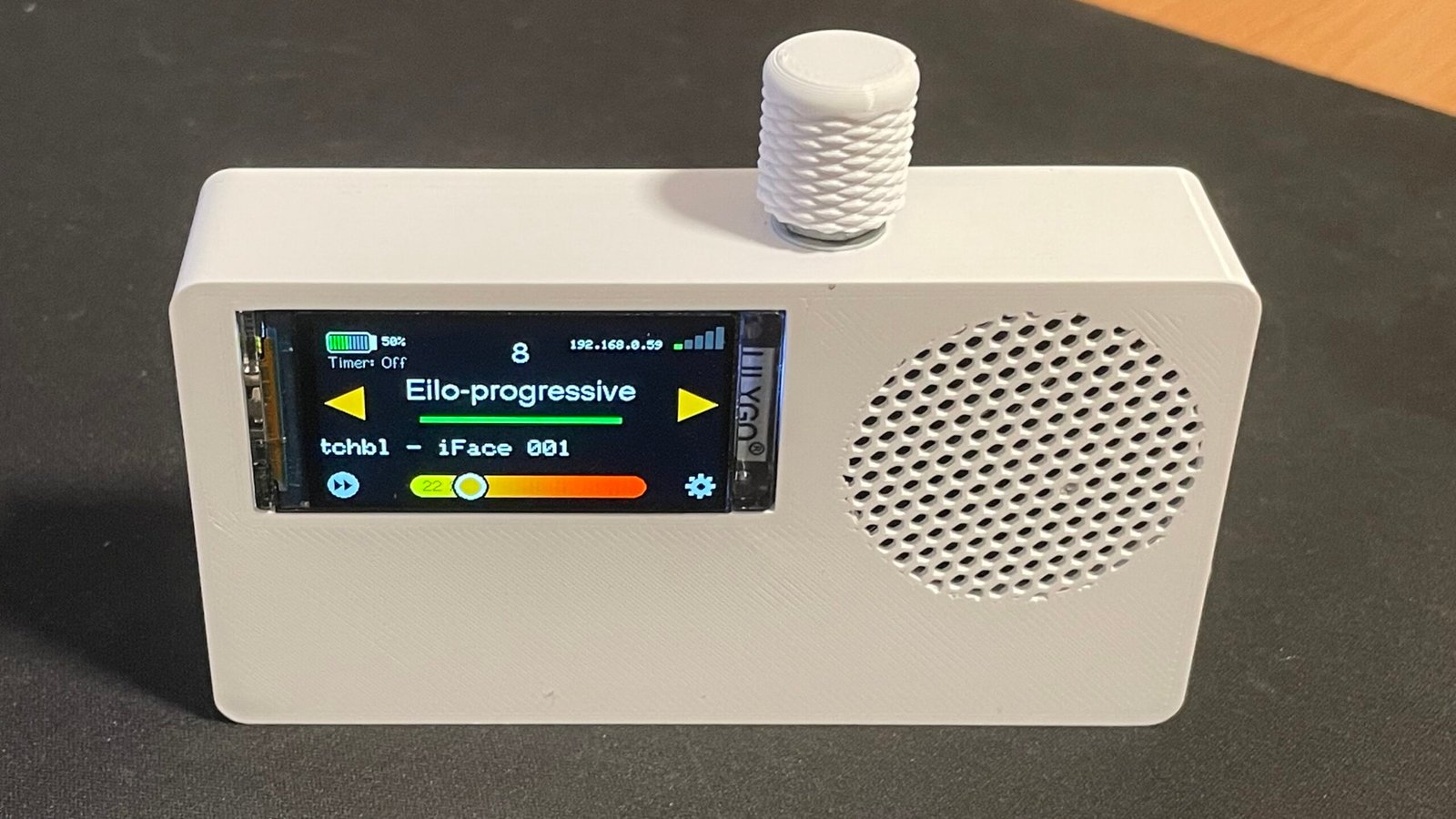
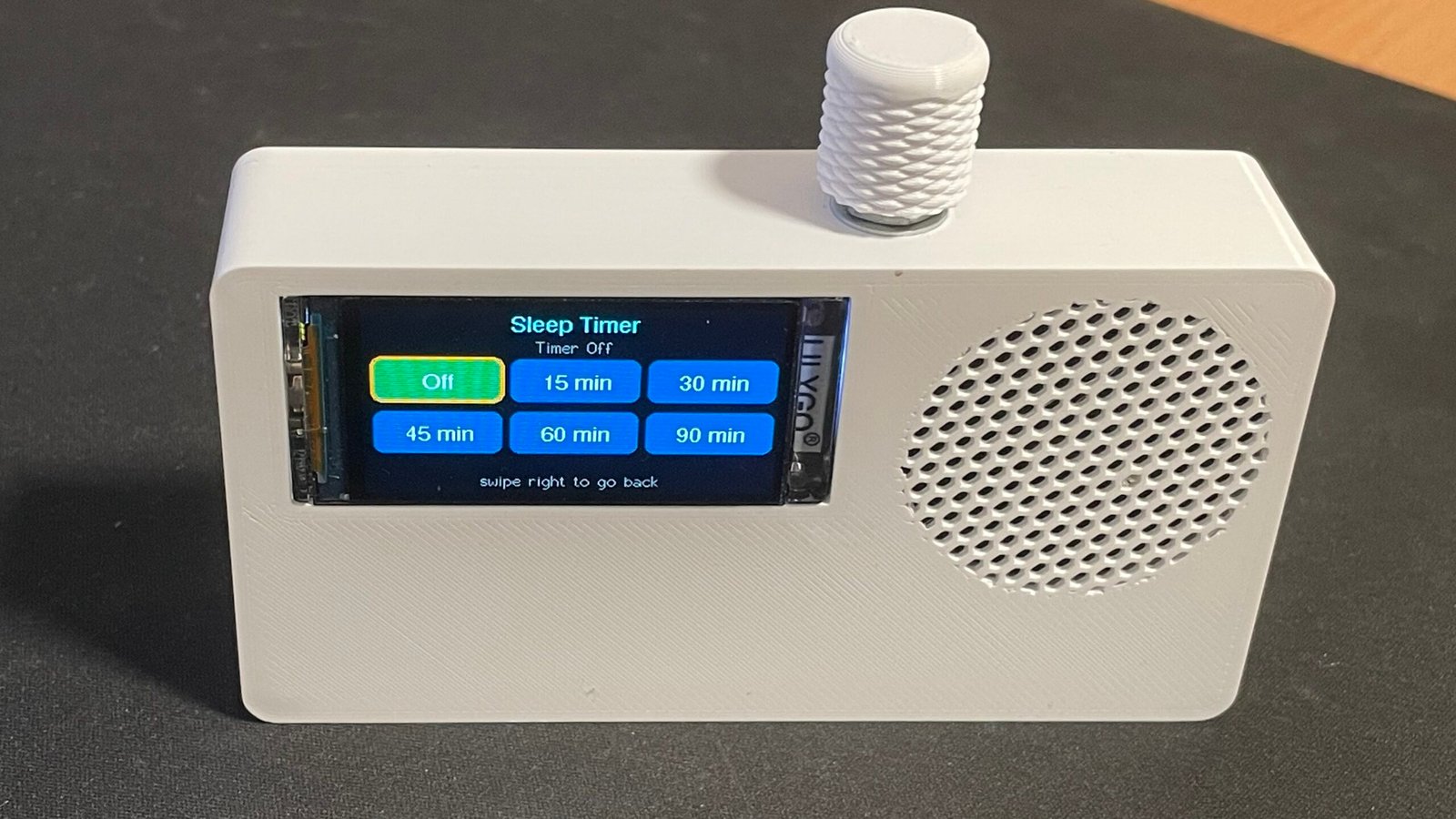
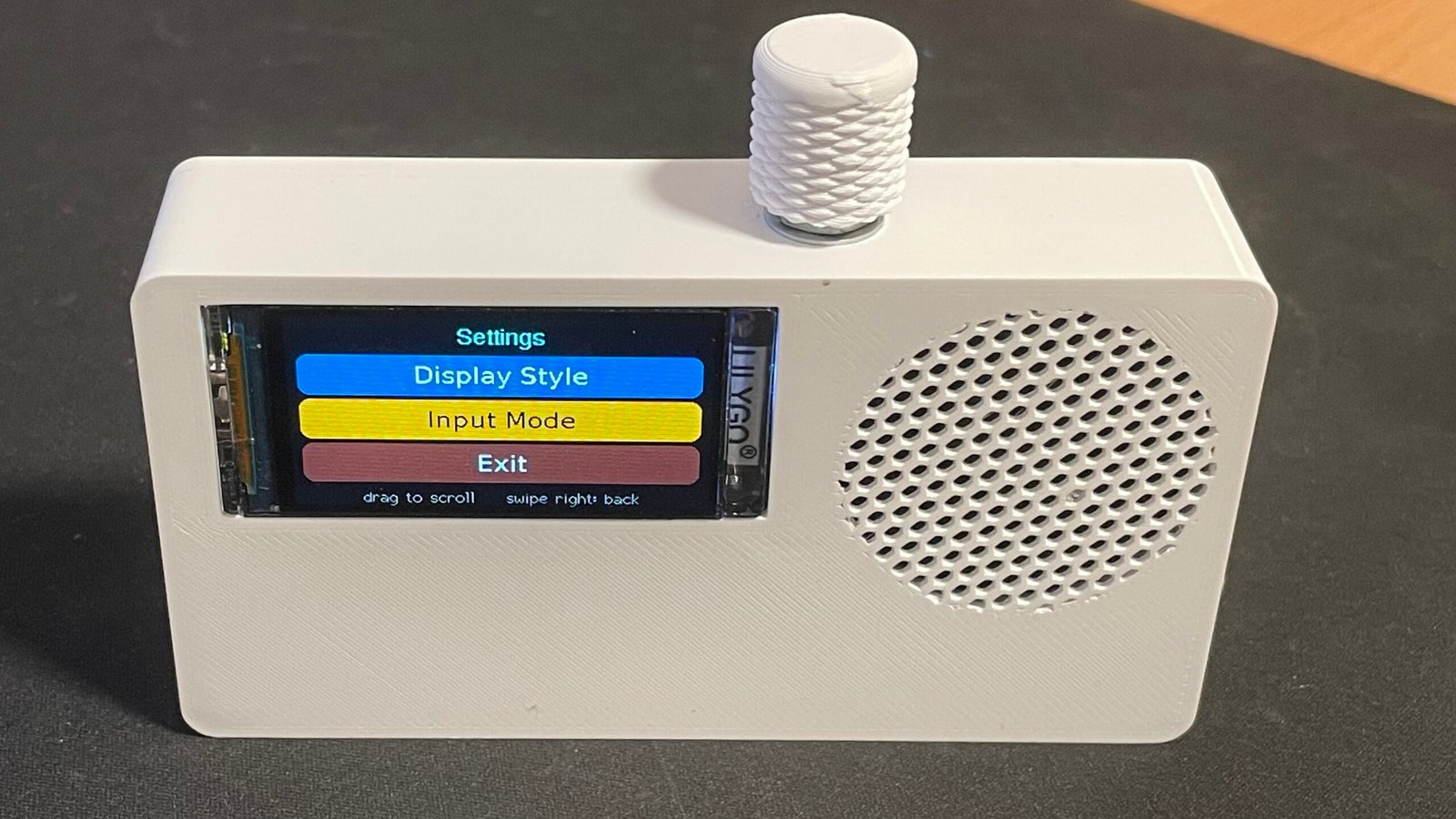
This version swaps the touchscreen for a rotary knob. Stations are scrolled and selected with the knob, and the radio can also be managed from a phone, tablet or computer. It’s built around the ESP32-S3, with a small colour display, a digital amplifier and a speaker, all in a custom 3D-printed case.
Key Features
Clear display Interface with Rotary Encoder
Stations can be browsed, channels selected, the volume adjusted, playback controlled and settings changed with the built-in rotary encoder.
Thousands of Internet Radio Stations
It plays thousands of online radio stations from around the world, with up to 1000 favourites saved and managed on the device.
Built-In Station Search
Stations can be searched and added without typing in stream URLs.
Web-Based Radio Control
The radio and the station list can be managed from any phone, tablet or computer on the same Wi-Fi network.
Portable Battery Operation
It runs from a rechargeable battery, or directly from USB-C.
Digital Audio
It has a digital I2S audio amplifier and a 5W speaker.
Bluetooth Option
A Bluetooth version adds a transmitter, so the sound can go to wireless headphones, earbuds or Bluetooth speakers.
Compact Custom Enclosure
A custom 3D-printed enclosure keeps the radio compact and portable.
Language Support for Station Names
The firmware supports station names in:
- English
- Greek
- Latin-based languages
- Cyrillic-based languages
- Hebrew
- Arabic
Technical Specifications
- ESP32-S3 Wi-Fi microcontroller
- Color display
- Supports Internet radio streams up to 320 kbps
- Supported formats: MP3, AAC and OGG/Vorbis, Flac.
- USB-C power input
- Battery compatible
- Stores up to 1000 favorite stations
- Requires a stable Wi-Fi connection
- L 11.1cm , W 2.7cm, H 6cm
Demo Videos
Demo videos showing the Internet Radio in operation can be found on The MicroMaker YouTube channel: